 GNM Apps

LinkDock
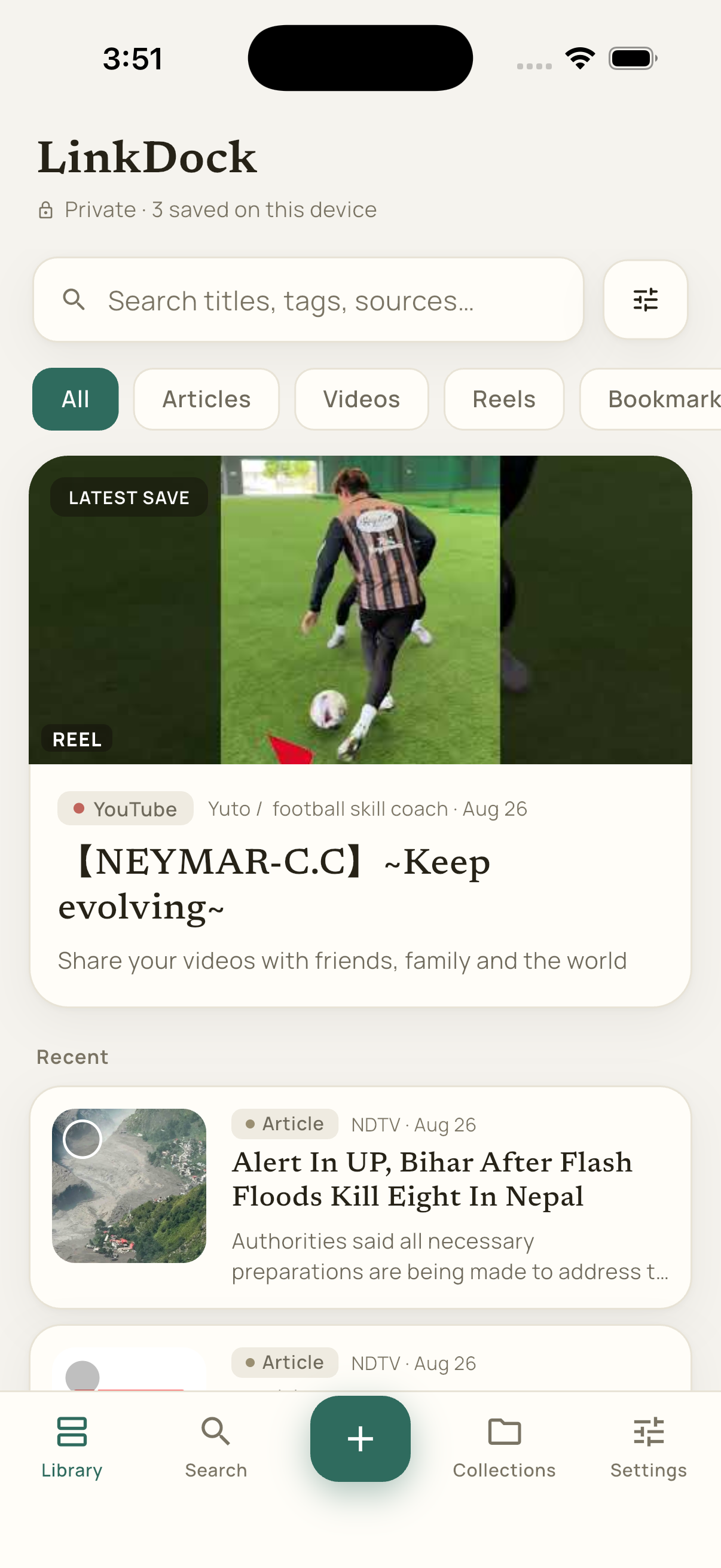
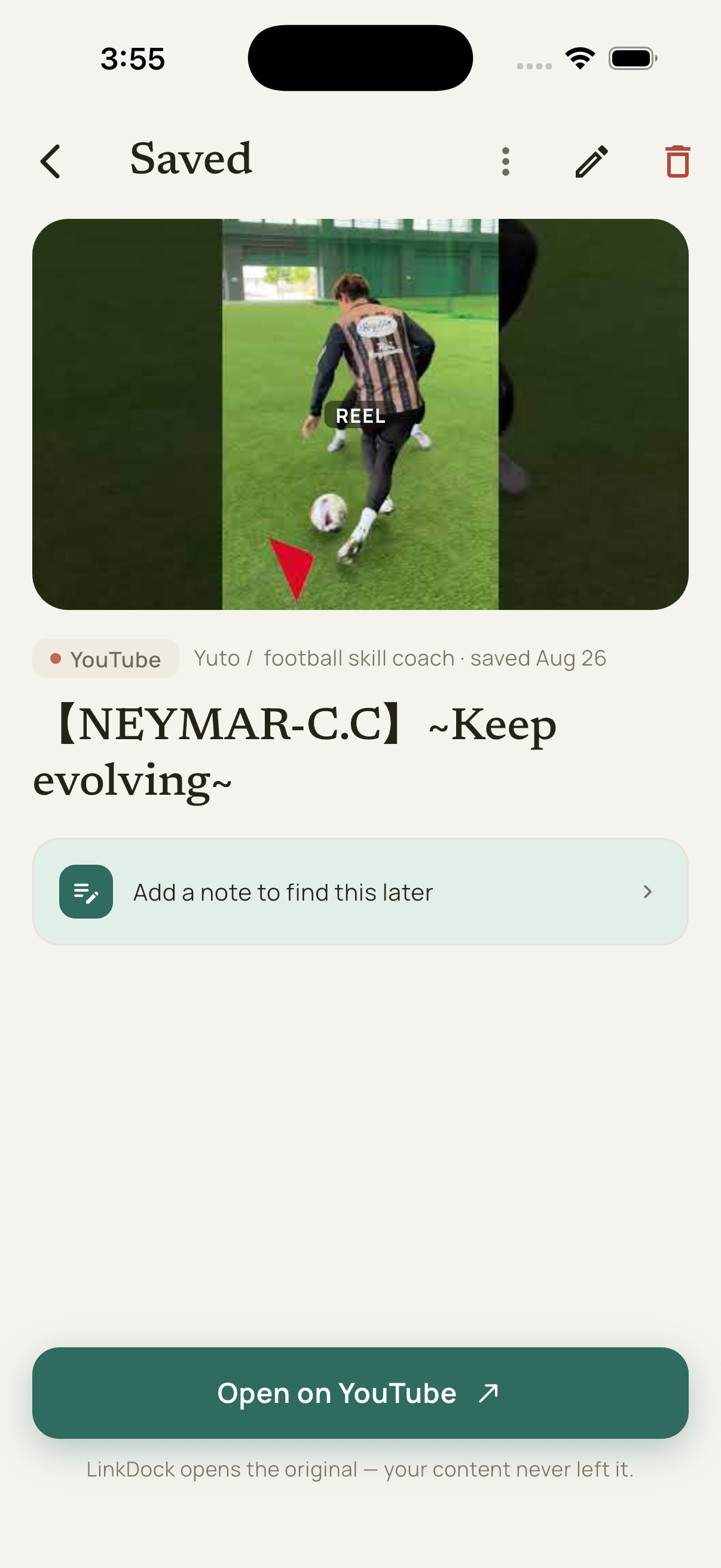
LinkDock is a private, on-device "save it and find it later" app for links — articles, videos, reels, and posts shared from any app. Share a link in and LinkDock pulls out a title, thumbnail, and readable summary right on your device, files it, and makes it searchable later. We don't store your content — we help you find your way back to it.
Features
What it does
Save from anywhere
Share a link straight into LinkDock from Instagram, X, YouTube, Safari, Chrome, or any app with a native share sheet — on iOS and Android.
Everything stays on your device
No LinkDock account, no LinkDock server, no content analytics — your saved library never leaves your device.
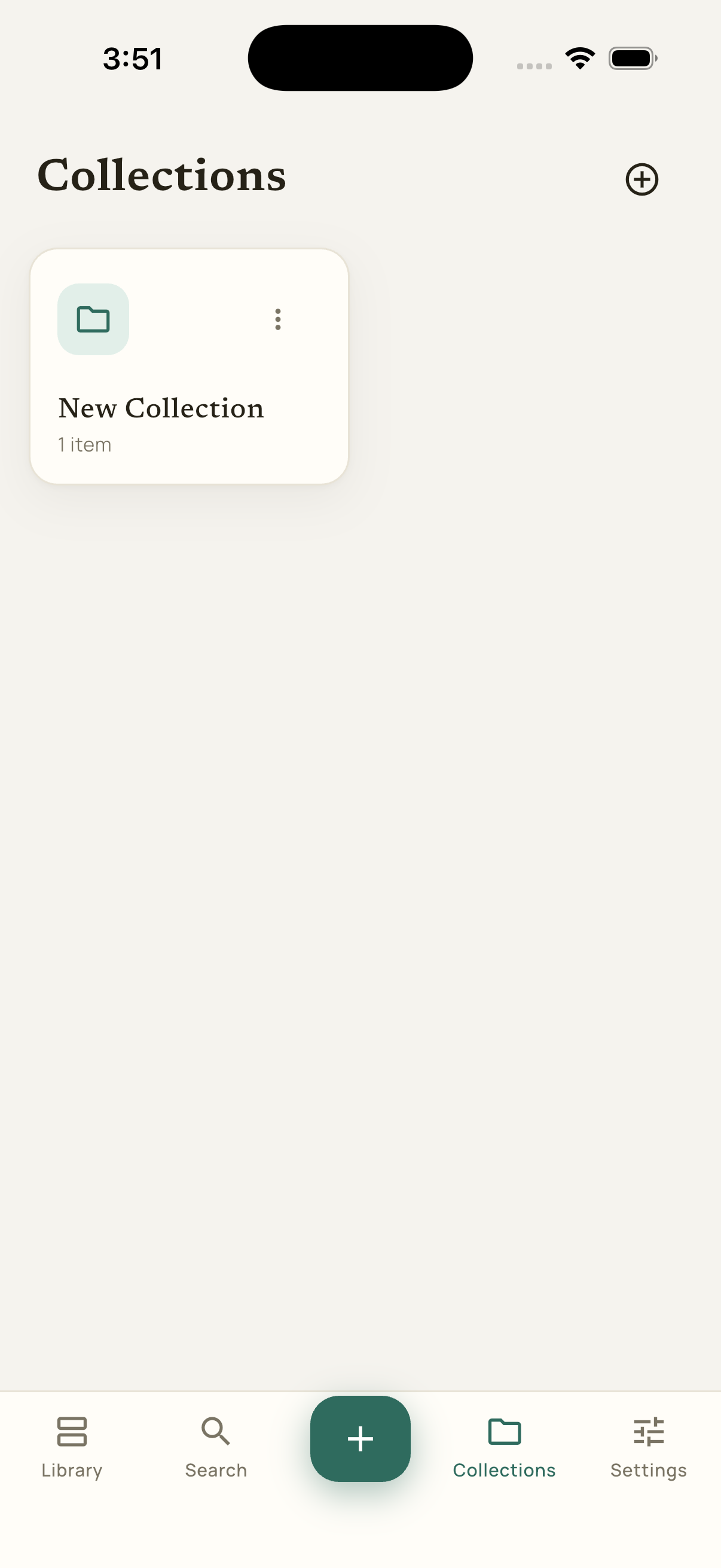
Collections & tags
File links into folders, tag them individually or in bulk, and move things around as your library grows.
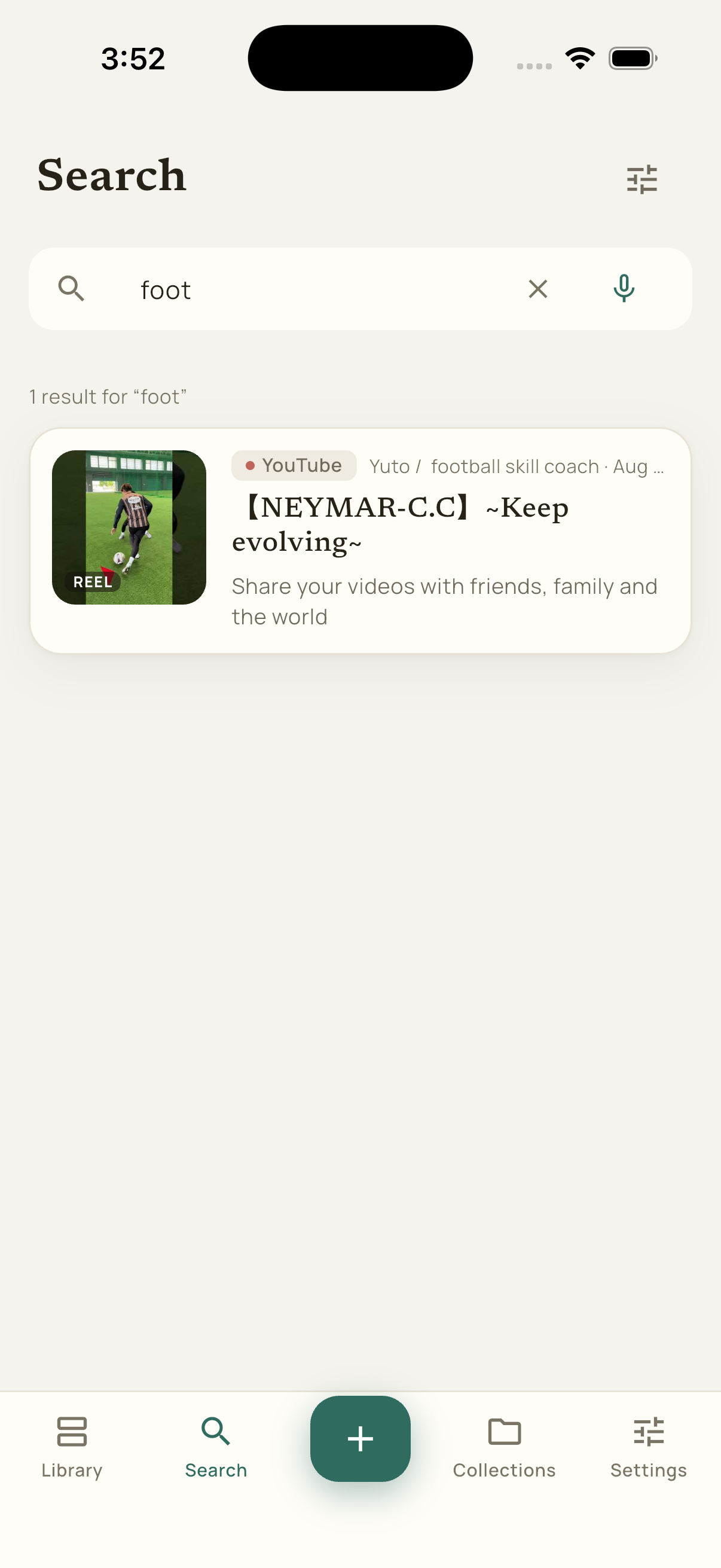
Search, filters & voice
Find anything with keyword search, filters by date, tag or type, and on-device voice search.
Ask your library
Ask natural-language questions about what you've saved — answered by on-device AI, with no cloud call.
Backup & Restore
Export your entire library — data and thumbnails — to a single file you control, and restore it anytime.
Screenshots
Take a look
FAQ
Common questions
Is my saved-links data private?
Yes. LinkDock stores everything you save — links, extracted text, thumbnails, tags, and collections — locally on your device. There's no LinkDock account and no LinkDock server, so there's no library for anyone else to access.
Is LinkDock available now?
LinkDock is coming soon to the App Store and Google Play. It isn't live on either store yet.
Is LinkDock free?
Yes — LinkDock is free to download and ad-supported, with a single one-time "Remove Ads" purchase available. There's no subscription.
Does LinkDock need an account or the internet?
No account is required. LinkDock does fetch the page you're saving to pull out a title, thumbnail, and readable text, and ads and purchases need a connection — but your saved library itself lives on your device.
What is "Connect a platform"?
It's an optional way to sign in to a site inside LinkDock so it can pull the full content of things you save from it. You log in on the platform's own page, inside the app — LinkDock keeps only the session cookie that login creates, on your device, never uploaded, and your password is never read, logged, or stored. Signing out clears that platform's cookies and no one else's.
LinkDock · Privacy Policy · Terms of Service · Support
More from GNM Apps
Other apps you might like
See every account, your net worth, and where your money goes — private & offline.

Flood the board in the fewest moves.

Save & organize your favorite places.
A colorful shape-matching puzzle game.